Geometry Processing

Introduction & Course Logistics

Prof. Edward Chien


Instructor Introduction

  • Professor
  • Academic Travels
    • 2005-2009, AB Mathematics & Physics, Dartmouth College
    • 2009-2015, PhD Mathematics, Rutgers University
    • 2015-2017, Postdoc Graphics, Bar-Ilan University
    • 2017-2020, Postdoc Geometric Data Processing, MIT
    • 2020-present, Faculty CS, Boston University
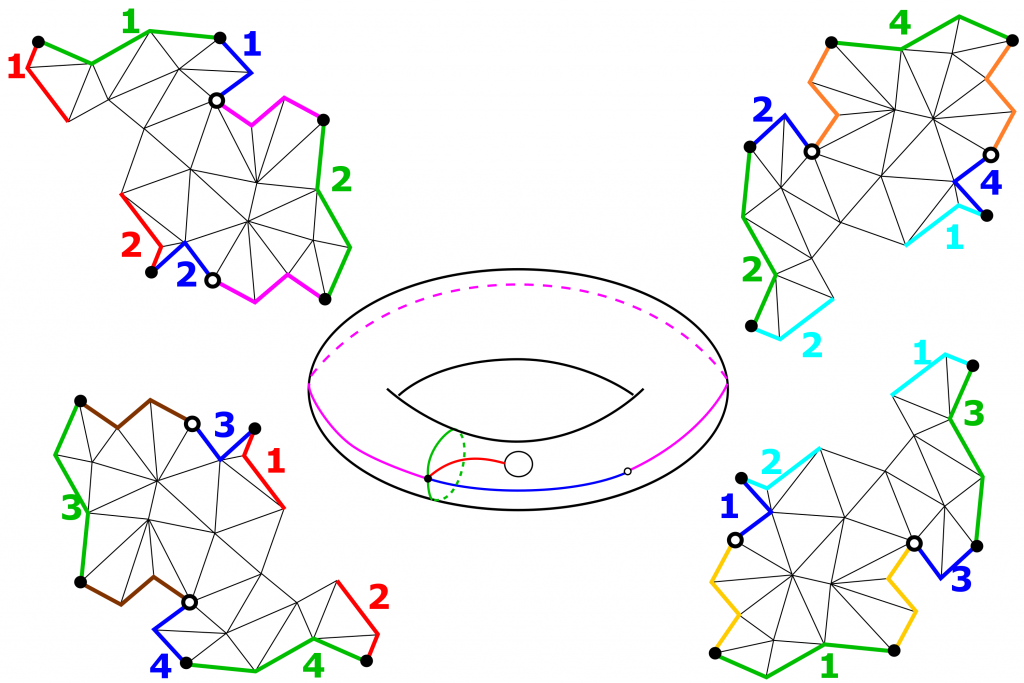
      Harmonic parametrization
      Hex meshing
      Optimal transport
Edward Chien

Three Major Course Components

  • Lectures on foundational material
    • Slides posted online
    • Lectures recorded and linked on Piazza
  • Paper presentations by students followed by discussion
    • Non-presenters required to submit a brief (2-3 sentence) summary and discussion question
    • Piazza participation for asychronous students
  • Project
    • To be done alone or in teams of up to 3
    • Papers can provide inspiration; project could be an implementation or extension of one of these, or application of existing implementations to a new domain
    • Complexity of project may be adjusted to student level

Geometry - γεωμετρία

geo = earth

Earth.png

Geometry - γεωμετρία

geo = earth

earth_rest.png

Geometry - γεωμετρία

metria = measure

scanners.png

A little bit of History

  • One of two fields of pre-modern mathematics
    • along with arithmetic
  • Earliest recorded beginnings of geometry:
    • 3000 B.C. by Indus Valley and Babylonian civilizations
  • Practical motivation
    • surveying
    • construction
    • astronomy

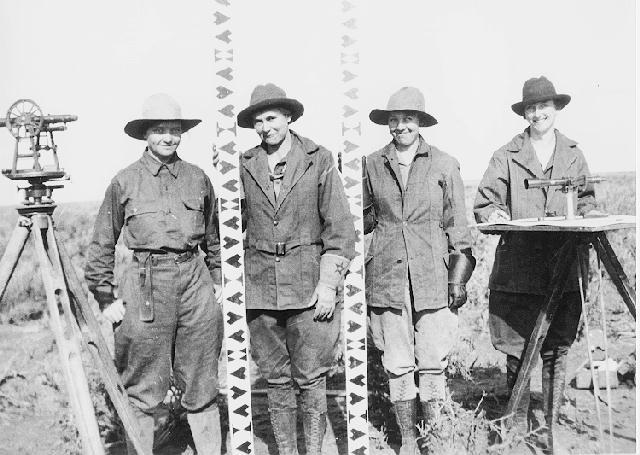
a surveying team

Images from Wikipedia


A little bit of History

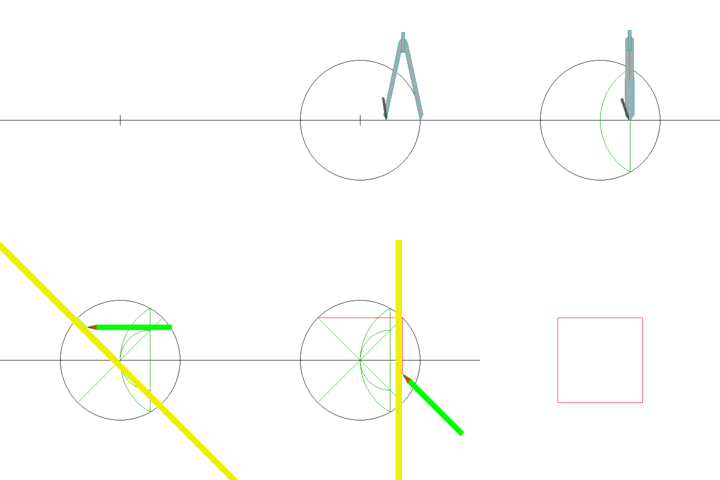
Classic Geometry was based on compass-and-straightedge construction

compass_wiki.jpg Straight_Square_Construction.gif

Images from Wikipedia


A little bit of History

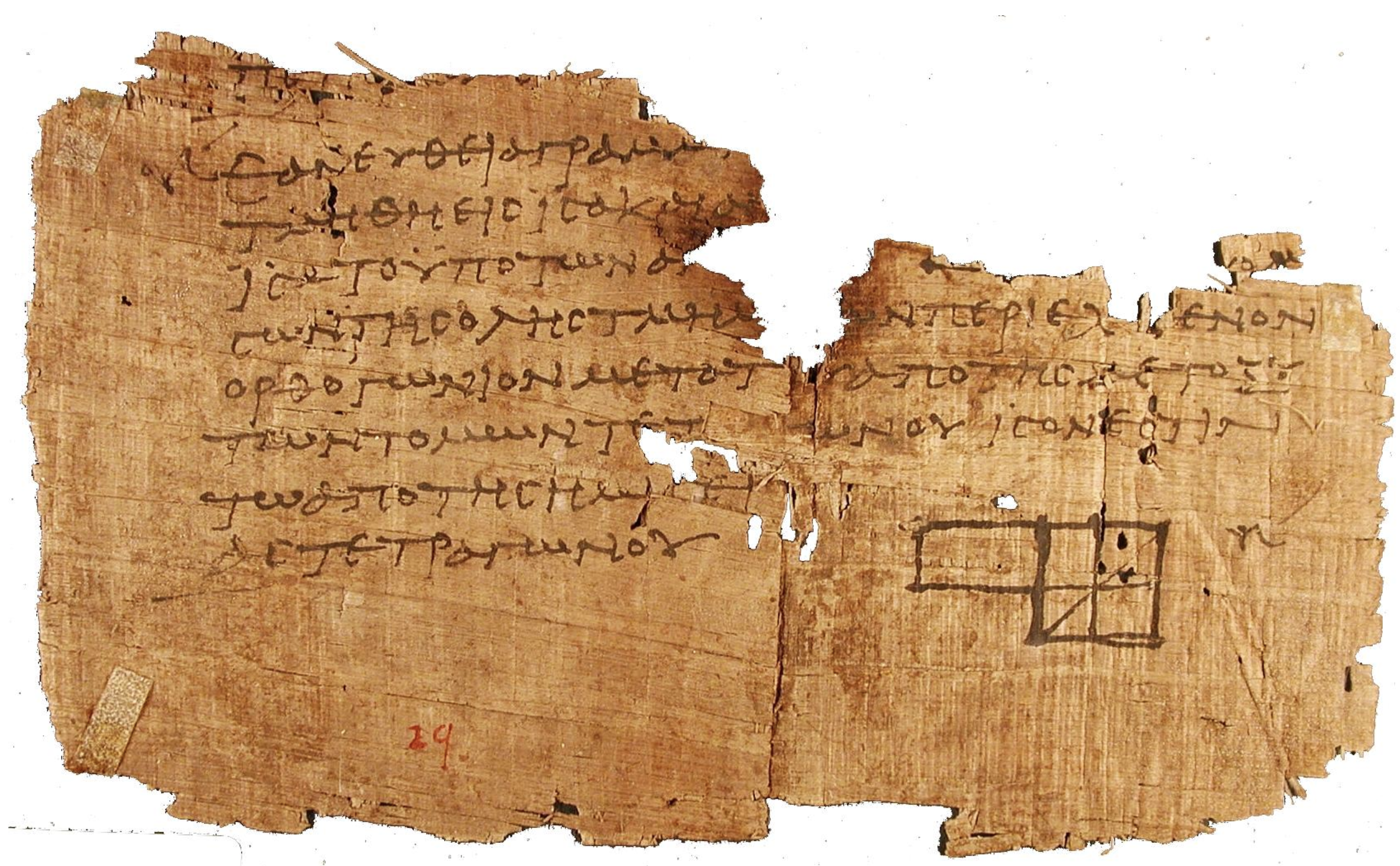
Fragment of Euclid’s Elements (300 B.C.)
“widely considered the most influential textbook of all times”
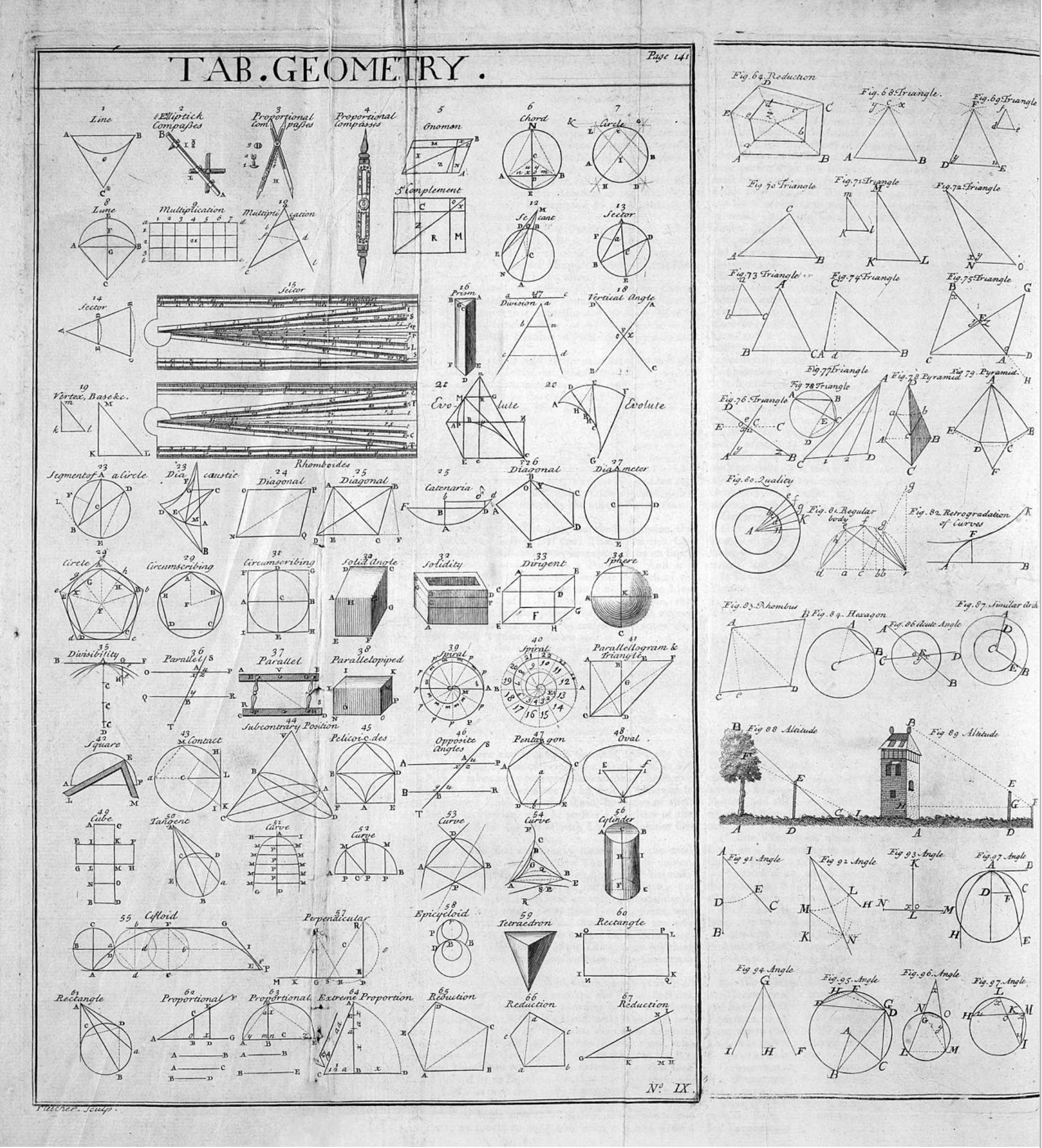
Table of Geometry from the 1728 Cyclopaedia

Images from Wikipedia


A little bit of History

  • Modern Geometry joins classic geometry and algebra/calculus
  • Analytic Geometry = Geometry with coordinates and equations
  • Add in ability to compute, and Geometry Processing results
  • “science of shape”:
    • length
    • area
    • volume
    • angle
    • curvature
    • deformation

A little bit of History

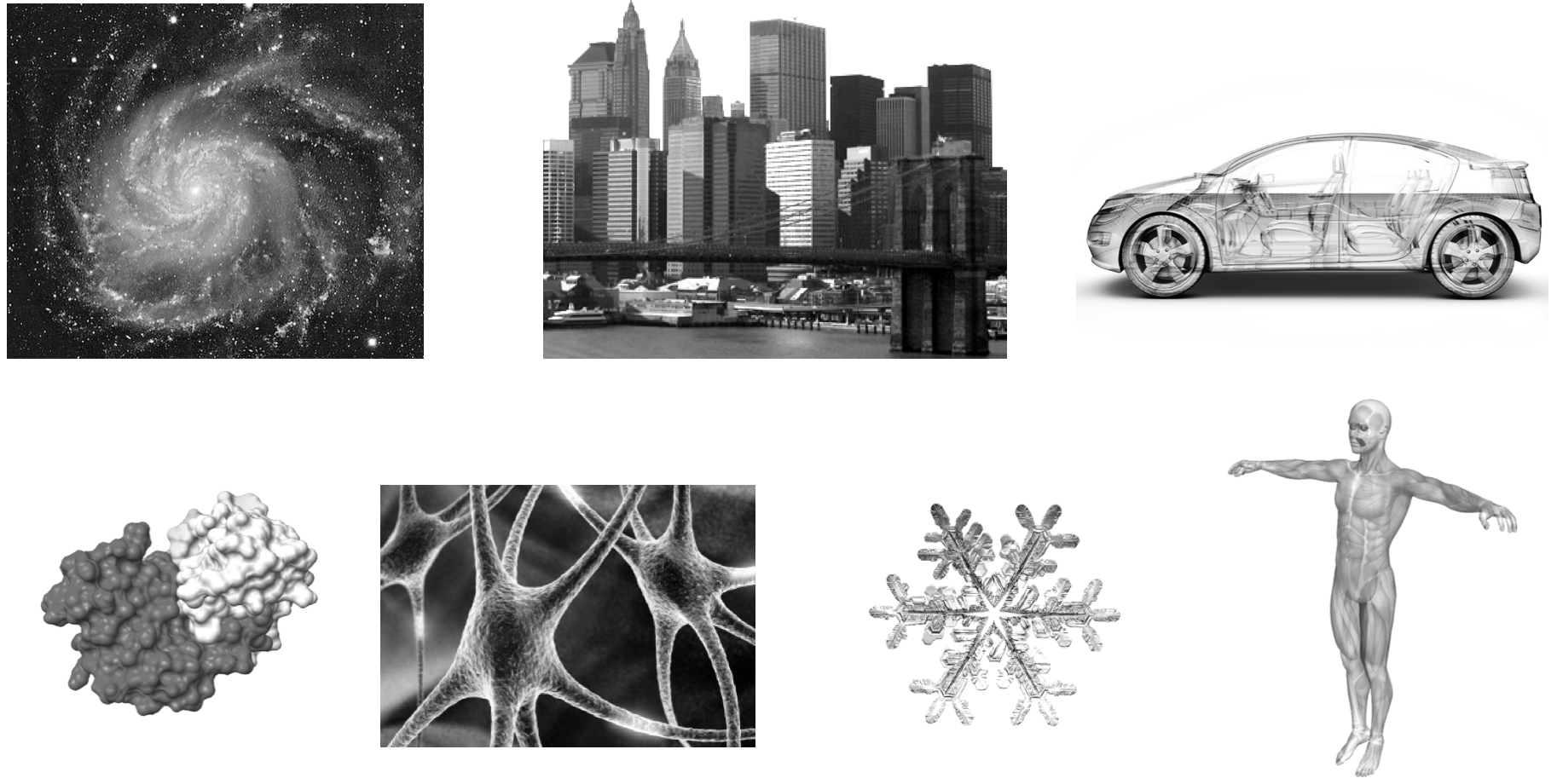
Our goal is complex geometry for simulation and animation
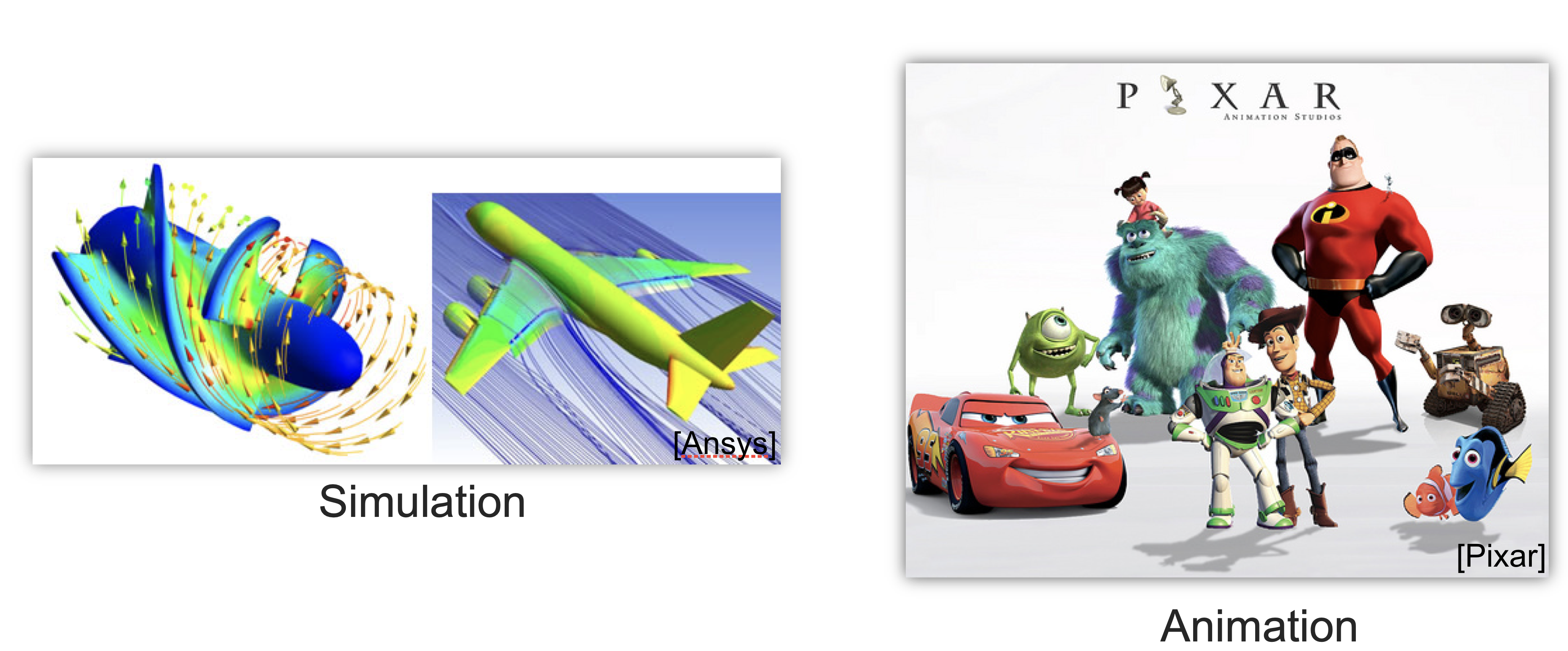
complex_geometry.png

3D Scanning

Get real model…
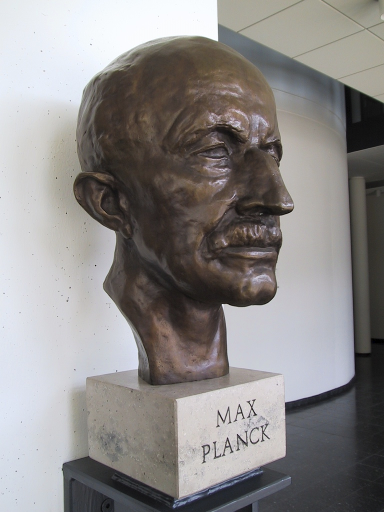
…buy a laser scanner

…perform several range scans
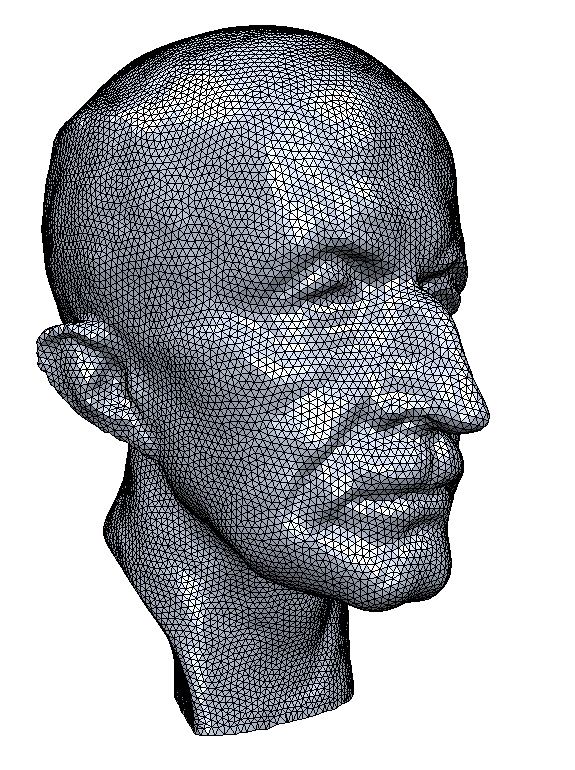
…and reconstruct a virtual model!


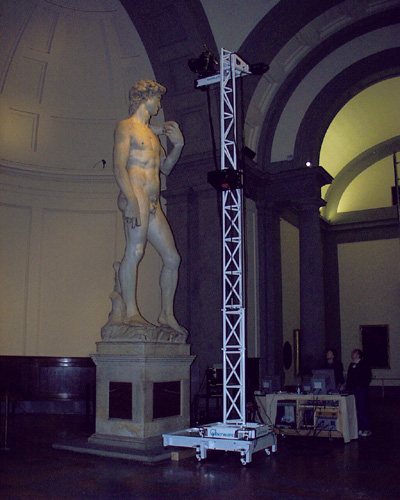
Cultural Heritage

david-1.jpg david-3.jpg david-2.jpg

© Digital Michelangelo Project


Urban Modeling

Google street view scanner
Google Earth


Automotive Industry

Real model
Scanner point cloud
Reconstructed surface

Flow simulation


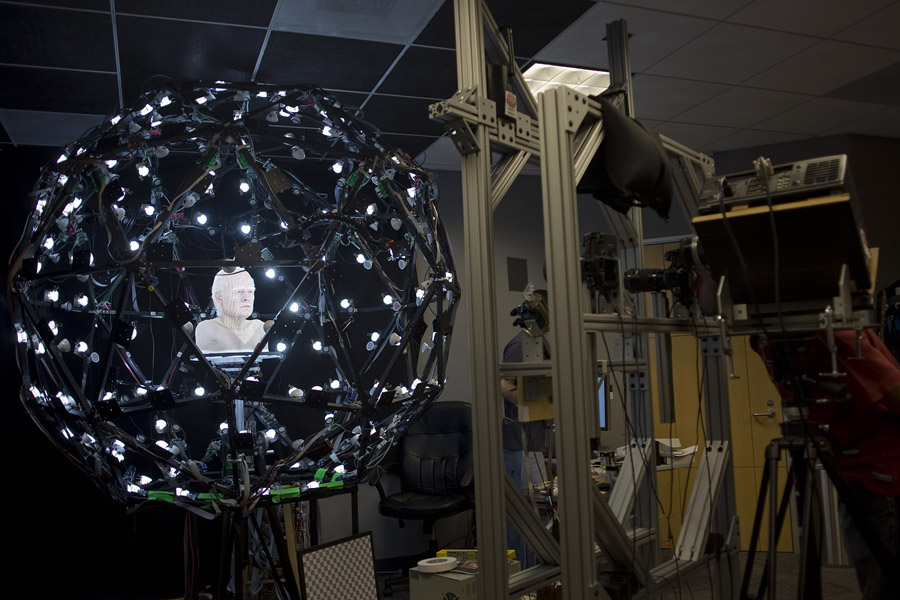
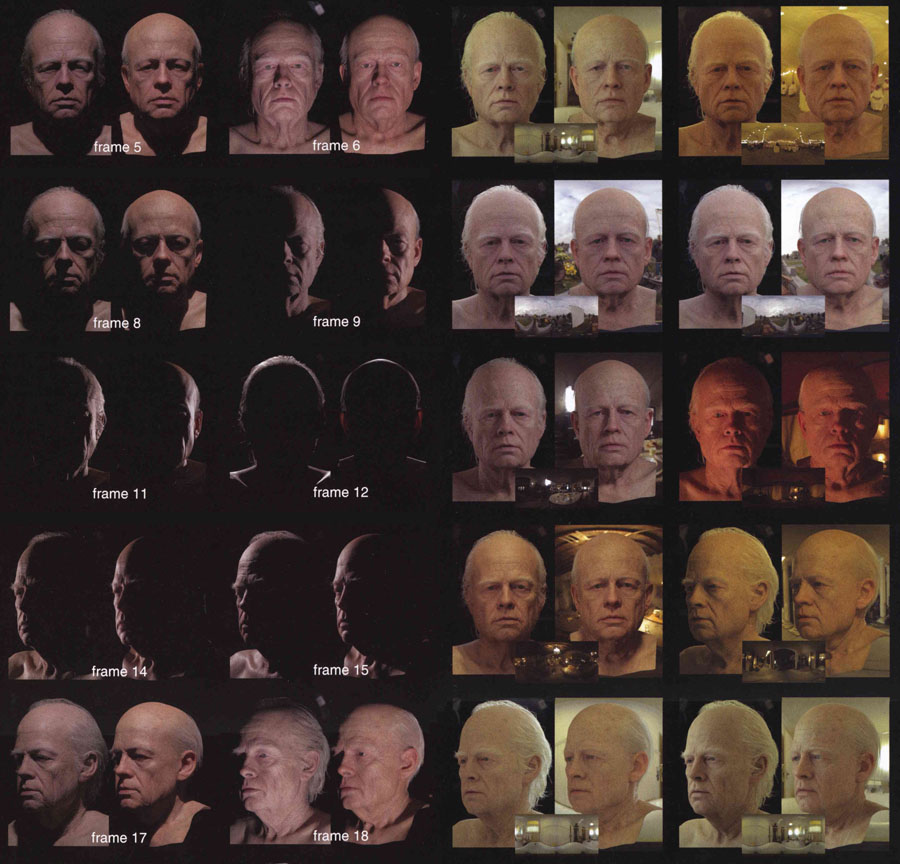
Digital Avatars

Camera-based scanner
Acquired data

© ICT


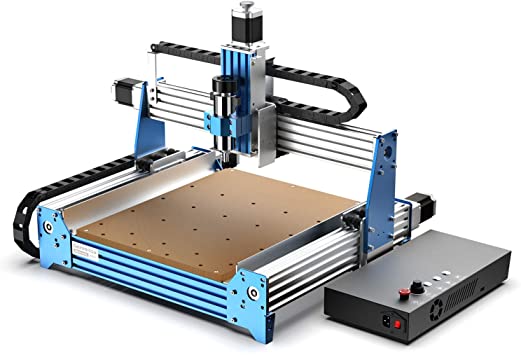
Computational Fabrication

  • Many technologies
    • 3D printing
    • CNC machining
    • Laser cutting
    • Robotic fabrication
    • etc.
  • All require processing of 3d models for input and design
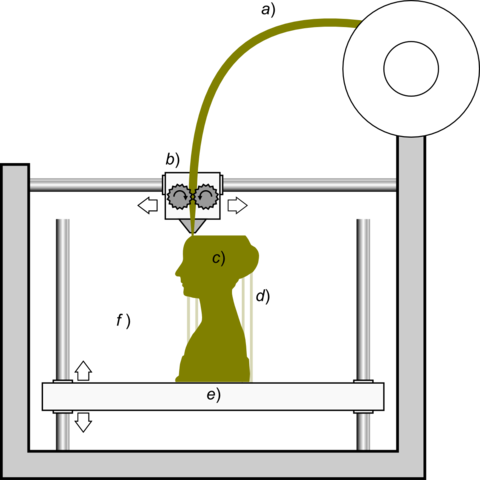
3D printing schematic
CNC machine

a computational knit


Course Content

  • Geometry Representations via Scanning
  • Differential Geometry
  • Discrete Differential Operators
  • Optimization for GP
  • Spectral Methods for GP
  • Surface Reconstruction
  • Parameterization
  • Deformation & Distortion
  • Discrete Exterior Calculus

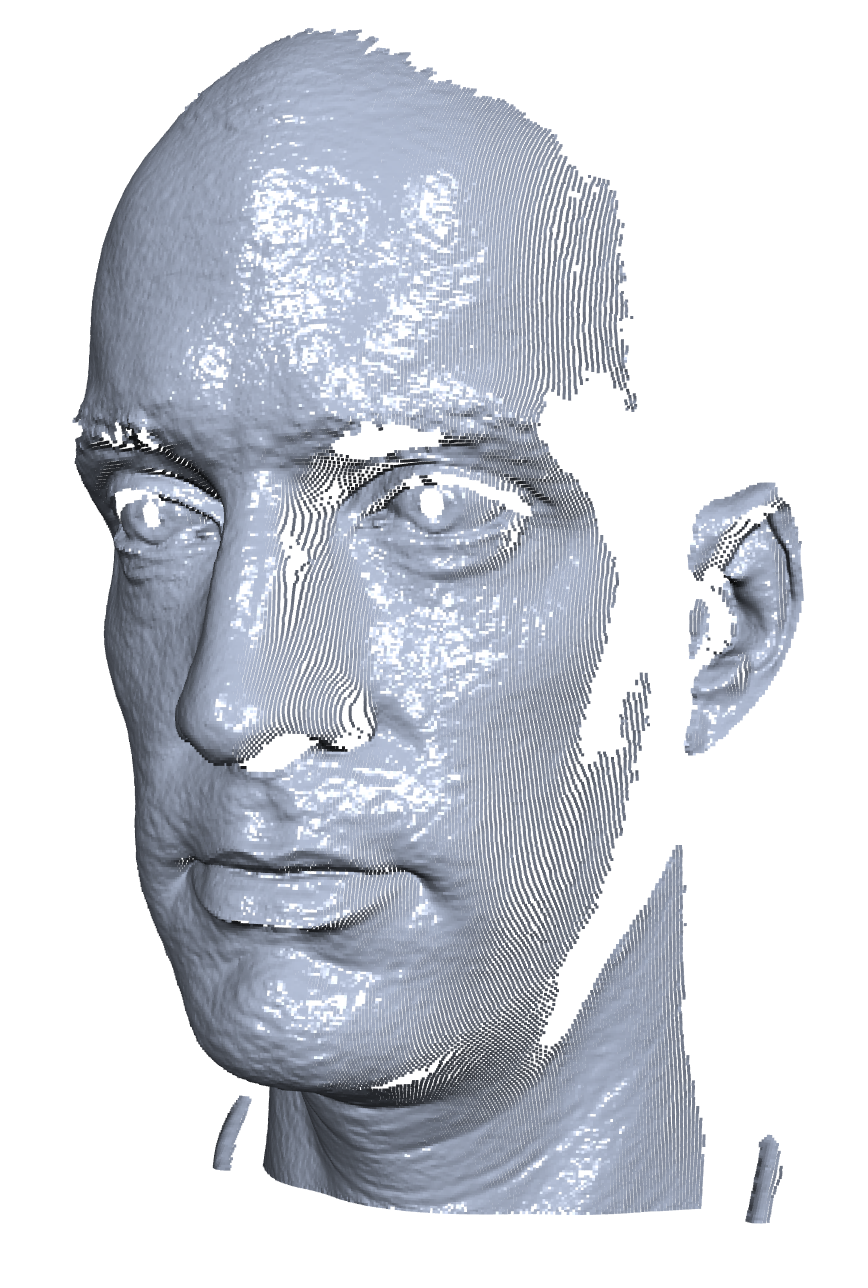
mario-points.png mario-poisson.png


Course Content

  • Geometry Representations via Scanning
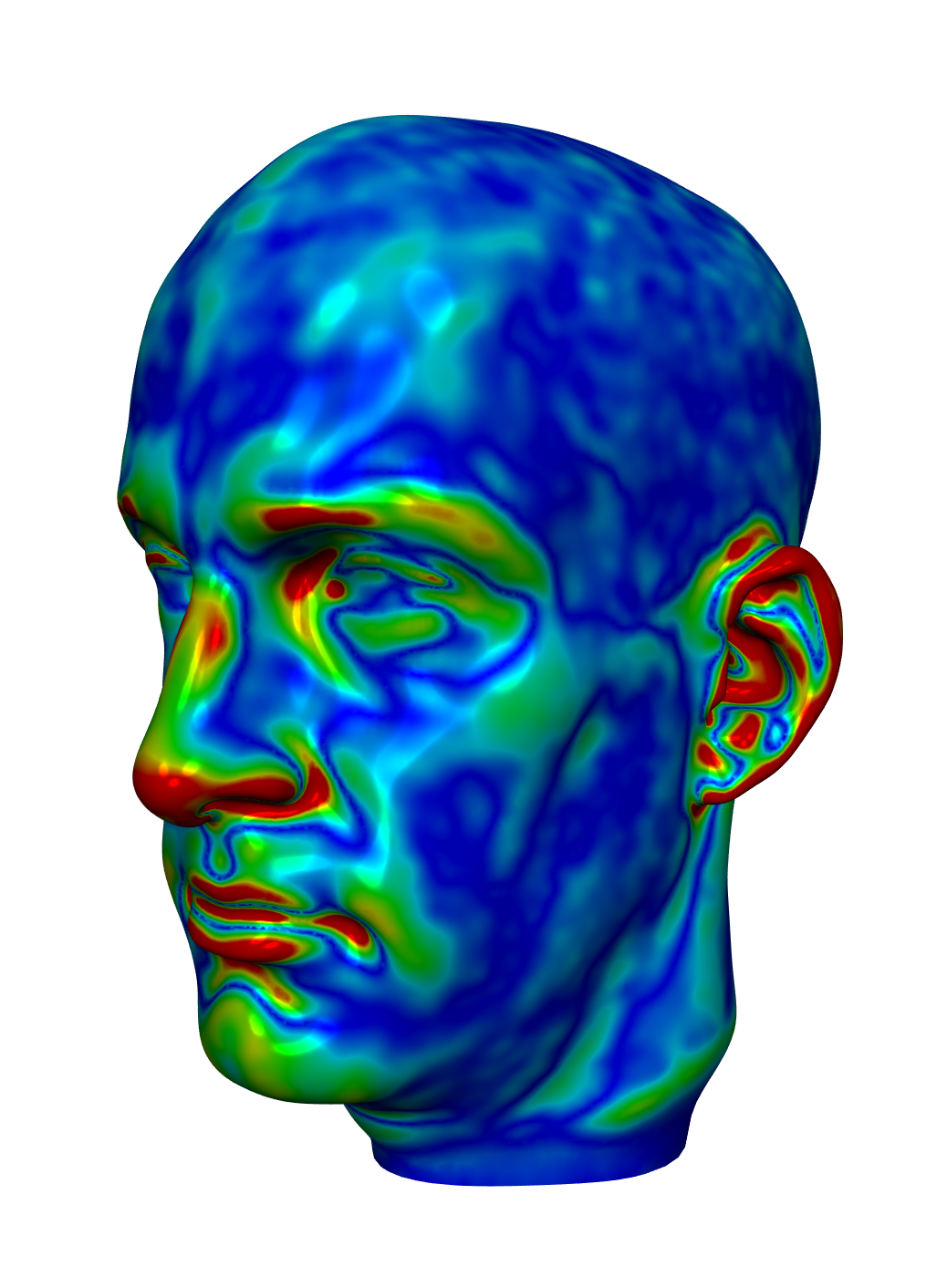
  • Differential Geometry
  • Discrete Differential Operators
  • Optimization for GP
  • Spectral Methods for GP
  • Surface Reconstruction
  • Parameterization
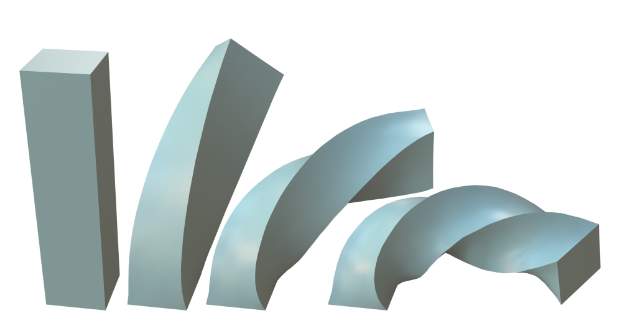
  • Deformation & Distortion
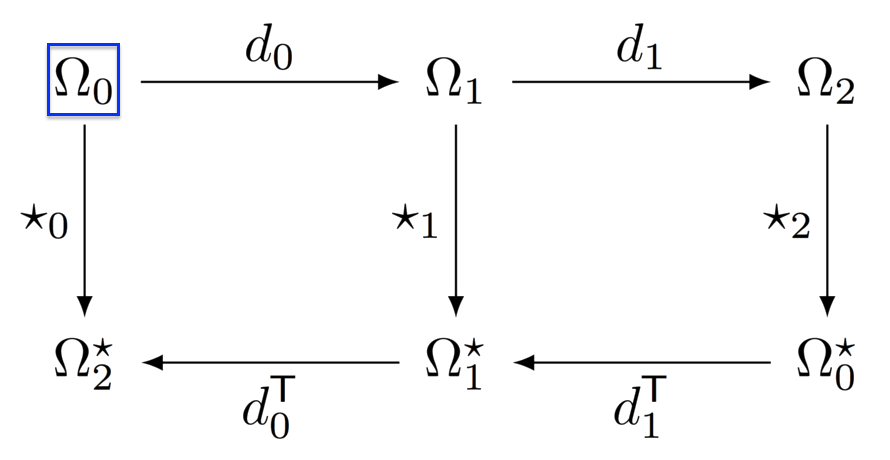
  • Discrete Exterior Calculus

mario-poisson.png mario-smooth.png


Course Content

  • Geometry Representations via Scanning
  • Differential Geometry
  • Discrete Differential Operators
  • Optimization for GP
  • Spectral Methods for GP
  • Surface Reconstruction
  • Parameterization
  • Deformation & Distortion
  • Discrete Exterior Calculus

mario-curv-1.png mario-curv-2.png


Course Content

  • Geometry Representations via Scanning
  • Differential Geometry
  • Discrete Differential Operators
  • Optimization for GP
  • Spectral Methods for GP
  • Surface Reconstruction
  • Parameterization
  • Deformation & Distortion
  • Discrete Exterior Calculus


Course Content

  • Geometry Representations via Scanning
  • Differential Geometry
  • Discrete Differential Operators
  • Optimization for GP
  • Spectral Methods for GP
  • Surface Reconstruction
  • Parameterization
  • Deformation & Distortion
  • Discrete Exterior Calculus

bardeformation.png dec1.png


Detailed Course Information

  • Attending class
    • Lecture: 11:00 AM - 12:15 PM, Tuesdays and Thursdays, MCS B31, Zoom link
    • In-person attendance scheduled via InClassLfA app; done biweekly with deadline at Thurs. 1 PM
    • I will ask that videos be on, to encourage participation
    • Lectures and discussions will be recorded; doesn’t apply to breakout rooms
    • Please bring materials for virtual participation, even if you participate in person
  • Office hours
    • Virtual, 12:30 - 1:30 PM, Tuesdays and Thursdays Zoom link

Detailed Course Information

  • Piazza will serve as the main resource center for the course
  • Slides to be posted online, on my website
  • Gradescope for turning in assignments
    • Paper summaries
    • Project progress reports

Paper Readings & Discussion

  • 20 minutes for student presentation of the paper in question
  • 20 minutes for discussion in breakout groups
  • 20 minutes for discussion as a class (or I may give some context or a brief overview of relevant methods)
  • Non-presenters required to submit a brief (2-3 sentence) summary and discussion question
  • Piazza participation for asychronous students

Project

  • To be done alone or in teams of up to 3
  • Papers can provide inspiration; project could be an implementation or extension of one of these, or application of existing implementations to a new domain
  • Small weekly progress reports will need to be turned in
  • Final project presentation to be done at the end
  • Complexity of project may be adjusted to student level

Tentative Schedule

See doc


How to use our HTML slides

  • Use the keys left/right to navigate through the slides.
  • Click page number (bottom right) to open navigation menu.
  • Press f/ESC to enter/leave fullscreen mode
  • Double-click an item (e.g. an image) to zoom in/out.
  • If the whiteboard icon is highlighted red () something was written to the virtual whiteboard. Click the icon to show/hide the whiteboard.
  • Use Chrome/Chromium or Firefox 👍. Do not use Safari, it cannot handle WebGL demos 👎.

Slide Acknowledgements

  • Initial slides and system by
  • Many more people contributed directly or indirectly
    • David Bommes, Pierre Alliez, Keenan Crane, Marcel Campen, Bruno Levy, Misha Kazhdan, Leif Kobbelt, Sylvain Lefebvre, Niloy Mitra, Szymon Rusinkiewicz, Justin Solomon, etc.
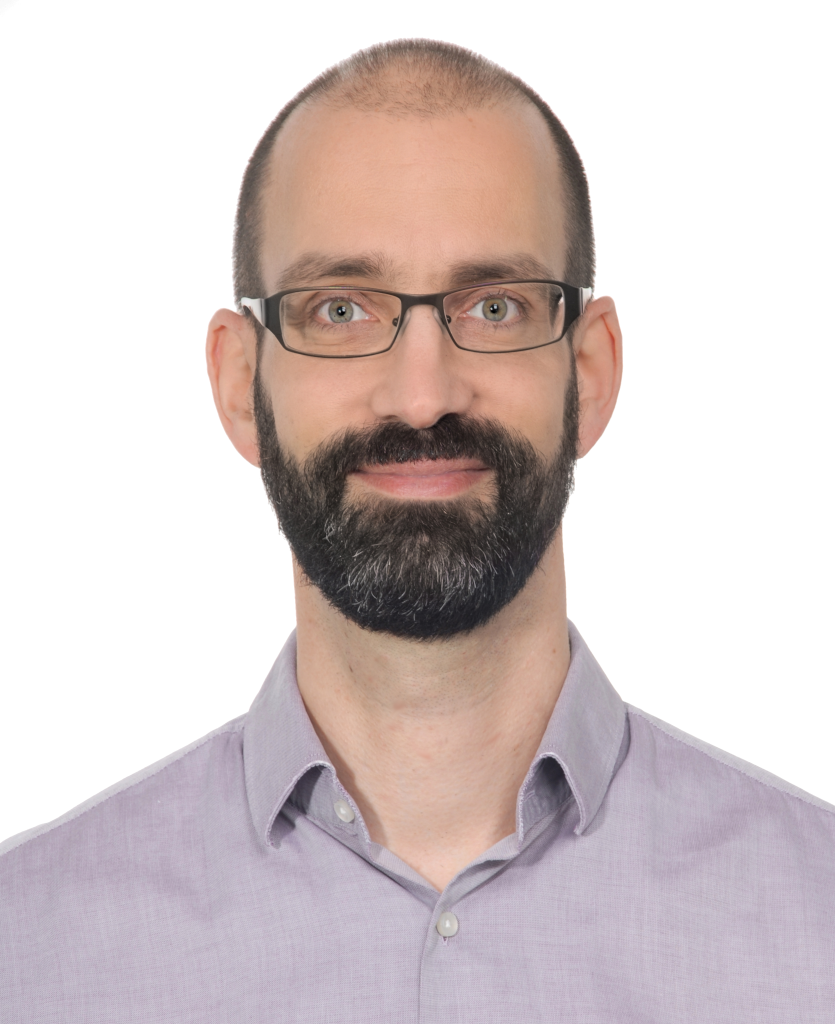
Mario Botsch
Mark Pauly
David Bommes


Other resources (even courses!)


Prof. Edward Chien