Title

Digital Geometry Processing
Exercise Introduction
Edward Chien, edchien@bu.edu
Geometry Processing & Computer Graphics

Exercises

  • Can do in pairs, if desired
    • Must acknowledge this collaboration and those outside it
  • Download exercises and upload solutions on Gradescope
    • Follow instructions on handout
  • Exercise handouts and packages are available by Friday morning
  • Graded during a demo session during office hours on following Friday
    • Sign up available here
    • If nothing works in that time, message me on Piazza

“Prerequisite:” C++

Eigen

  • Eigen is a C++ template library for linear algebra
    • matrices, vectors, numerical solvers and related algorithms
  • More on http://eigen.tuxfamily.org/

Eigen Tutorial: Vectors (1/2)

  • Initialize a vector
  • Eigen::Vector3f u, v;
    u(0) = 1.0;
    u(1) = 0.0;
    u(2) = 0.0;
    // Another way of initializing a vector/matrix
    v << 0.0, 1.0, 0.0;
  • Output vectors
  • cout << "u: " << u.transpose() << endl;
    cout << "v: " << v.transpose() << endl;

Eigen Tutorial : Vectors (2/2)

  • Vector operations
  • Eigen::Vector3f w = u.cross(v);
    cout << u.transpose() << " cross " << v.transpose() << " = " << w.transpose() << endl;
    double dot = u.dot(v);
    cout << u.transpose() << " dot " << v.transpose() << " = " << dot << endl;
  • More vector operations
  • Eigen::Vector3f uHat = u.normalized();    // uHat contains u after normalization
    u.normalize();                            // in-place normalization of u (both have now the same value)
    double normU = u.norm();					
    double normUHat = uHat.norm();			
    cout << "normU: " << normU << endl;        //will output 1 (since it was normalized)
    cout << "normUHat: " << normUHat << endl;  //same here
    u = u.transpose()                          //NOTE: Be careful when doing stuff like that
    //see the "Aliasing" topic in Eigen's documentation

Eigen Tutorial : Matrix

  • Matrix setup
  • Eigen::Matrix2f m;
    m(0, 0) = 3;
    m(1, 0) = 2.5;
    m(0, 1) = -1;
    m(1, 1) = m(1, 0) + m(0, 1);
    cout << "\nMatrix m:\n" << m << endl;
  • Matrix setup II
  • // Again, initialize with comma initializer
    Eigen::Matrix3f n;
    n << 1, 2, 3,
    4, 5, 6,
    7, 8, 9;
    cout << "\nMatrix n:\n" << n << endl;
  • Matrix operations
  • Eigen::Matrix3f m1 = m + n; // This will fail.
    Eigen::Matrix2f m2 = Eigen::Matrix2f::Identity();
    Eigen::Matrix2f m3 = m + m2; // This will not.
    cout << "\nMatrix m3:\n" << m3 << endl;

Eigen Tutorial : Final Words

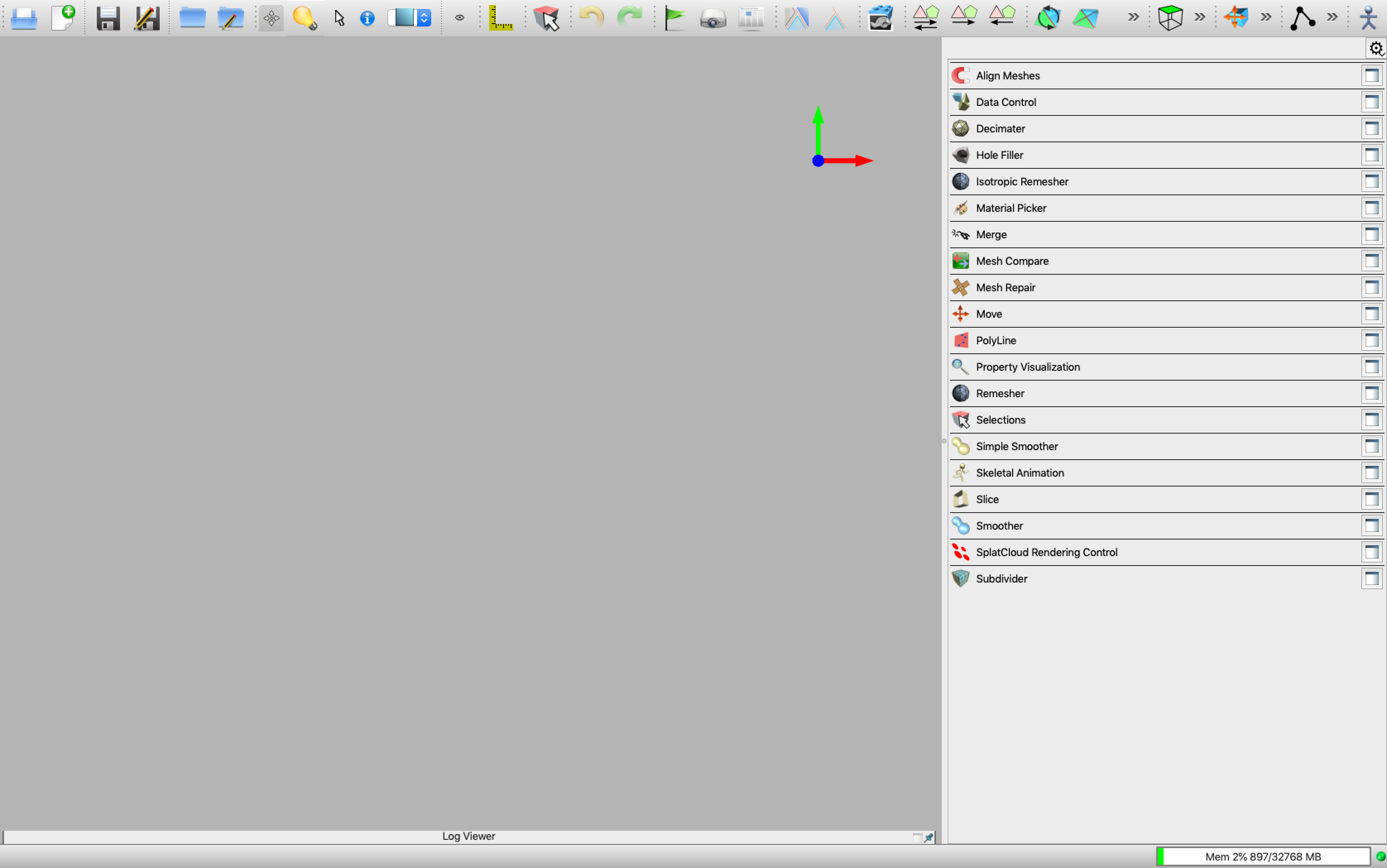
OpenFlipper

OF.png

Building OpenFlipper

  • Refer to Developer Documentation
  • Built using Cmake (either with GUI or from terminal)
  • Download OpenFlipper (don’t download source from website): git clone --recursive https://graphics.rwth-aachen.de:9000/OpenFlipper-Free/OpenFlipper-Free.git
  • Linux or Mac (with Homebrew) preferred
  • If Windows, use Visual Studio as suggested by doc, do not use cygwin and gcc

Building OpenFlipper

Using the GUI

  • Set source directory and build directory
  • Click Configure
OF-compile0.png

Building OpenFlipper

Using the GUI

  • Choose proper compiler
OF-compile1.png

Building OpenFlipper

Using the GUI

  • Set directory if there is any configure error
  • Click Generate
OF-compile2.png

Building OpenFlipper

Using the terminal (on UNIX systems)

  • Open a terminal
  • ~$ cd /path/to/OpenFlipper-Repo/
    ~$ mkdir build && cd build
    ~$ cmake ..
    ~$ make -j
  • Launch OpenFlipper (example for Mac OS)
  • ~$ ./Build/OpenFlipper.app/Contents/MacOS/OpenFlipper
  • On Linux
  • ~$ ./Build/bin/OpenFlipper

Building OpenFlipper

Compilation time

  • Building OpenFlipper the first time can take a while, it’s normal.
  • Visual Studio tends to be slow to build -> “prefer Qt Creator” (try if really having issues)
  • Make sure you’re typing make -j and not simply make if building from the terminal
  • If compilation is still slow for you, don’t hesitate to ask for help!

Assignment

  • Build OpenFlipper by following the documentation
  • Download dgp-exercise1.zip and extract into OpenFlipper folder
  • Compile OpenFlipper together with the downloaded plugin Plugin-DGPExercise
  • Solve a small sparse linear system with Eigen. See more details in the handout.

Sparse Context

  • Cheaper to store and compute with non-zero entries
  • Non-listed entries are 0 implicitly
  • Doc has good information on compressed column (CC) and compressed row (CR) storage formats
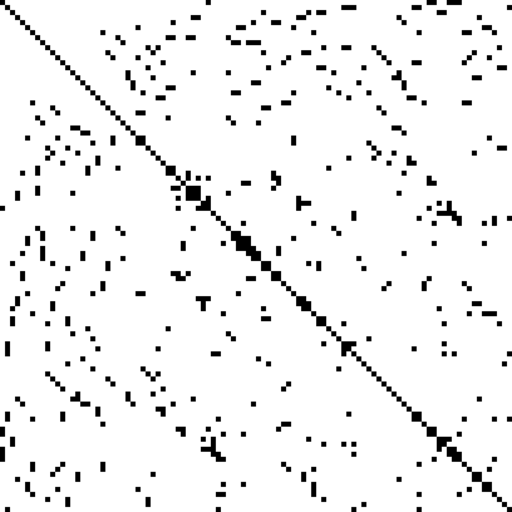
Finite_element_sparse_matrix.png

Sparse Context

  • Given a system \(Ax = b\), Eigen has solvers that you use on \(A\)
  • In essence, this is a factorization of \(A\)
    • Factorizations are helpful as matrix inversion is expensive
  • Example: LU below
    • \(LUx = B\) can be solved in two steps: \(Ly = b\) and \(Ux=y\)
  • Others: QR, Cholesky
3x3LU.png